Most ABM teams don’t have a targeting problem. They have an execution problem. The account list is there. The enrichment is there. The outbound sequence is there. What breaks is everything after the click. A target account receives a personalized email, clicks through, and lands on a generic page that resets the conversation.
That’s where relevance disappears and pipeline gets lost. For Series A to C B2B SaaS teams trying to scale outbound without adding more engineering dependency, the Clay Webflow integration solves exactly that problem by turning enriched account data into live landing pages automatically.
Why This Integration Matters for B2B SaaS
Most marketing leaders already understand that personalization works. The real problem is not strategy - it’s execution.
When a target account clicks through from a personalized email or outbound sequence, the landing page needs to continue the same conversation. If that page has to be designed, developed, reviewed, and published manually every time, personalization stops being scalable. It becomes a bottleneck. And once it becomes a bottleneck, most teams quietly give up on it or reduce it to surface-level changes that do not move conversion.
That’s why the Clay and Webflow setup matters so much for B2B SaaS teams. It gives marketing teams a way to turn account-level data into live landing pages without waiting on engineering or rebuilding each page from scratch. The result is a system that lets outbound, ABM, and the website work together instead of operating as separate motions.
For scale-up marketing leaders, that means more than convenience. It means the website can finally support the pace of the GTM team. Campaigns go live faster, account-specific pages stay relevant, and outbound traffic lands somewhere that feels intentional rather than generic.
For funded founders, the benefit is different but just as important. It’s a way to make the site feel more credible, more targeted, and more enterprise-ready without signing up for a long, expensive custom build every time the business needs a new campaign page.
The common thread is the same: if the website is part of the revenue motion, it has to move at the speed of the revenue motion. Clay and Webflow make that possible.
What the Clay Webflow Integration Actually Is
At a practical level, the Clay Webflow integration connects an enrichment layer to a publishing layer. Clay structures and enriches account-level data. Webflow turns that structured data into live pages through the CMS.
That means one Webflow template can generate many landing pages without anyone rebuilding the page from scratch each time. Instead of designing and developing a separate page for every target account, the team defines the variables once, maps them properly, and lets the system render the right version for the right audience.
The cleanest way to think about it is as a three-part workflow.
1. Clay Handles Enrichment
Clay pulls the account data your landing page needs. That usually includes company name, industry, headcount, use case, relevant proof points, persona context, and in some cases intent signals. The point is not to enrich for the sake of enrichment. The point is to collect only the variables that actually improve message-match on the page.
For B2B SaaS teams, this matters because the website should not sit outside the GTM motion. It should reflect the exact context the outbound sequence already introduced. Clay gives you the data layer to do that in a structured way.
2. Webflow Handles Page Rendering
Webflow acts as the presentation layer. A landing page template is built once with dynamic fields connected to CMS items. Those fields can control the headline, supporting copy, CTA language, logos, testimonials, use-case sections, industry proof, and other modular blocks.
Once the template is live, every new CMS item can produce a new page automatically. That’s the real upgrade. You are no longer building pages one by one. You are building the system that generates them.
3. The Integration Connects the Two
The integration layer moves data from Clay into the right fields in Webflow. There are a few ways to set this up - Clay has a native Webflow integration built in, but you can also use automation tools like Zapier or Make, or connect directly via API if your team prefers that route.
The method you choose doesn’t change the underlying logic. One source of structured account data feeds into the Webflow CMS, which generates pages from a single template. Once that system is in place, launching a page for a new account is a data task, not a design or development project.
What to Personalize on the Page
This is where most teams either overdo it or underdo it. Good personalization is not about showing off how much data you have. It’s mainly about removing friction.
The variables that usually matter most:
- Company name, used carefully to confirm relevance.
- Industry-specific pain point, so the message feels grounded in their reality.
- Persona-specific outcome, because a Head of Marketing and a RevOps lead do not evaluate the same way.
- Relevant proof point, ideally a customer example that feels adjacent to the account.
- CTA framing, matched to where that account likely is in the buying journey.
The variables that tend to underperform are details that make the page feel fragile or over-engineered. If the data quality is inconsistent, the page quality becomes inconsistent too. The goal is not maximum personalization. The goal is credible relevance that brings conversions.
Why This Beats Enterprise ABM Platforms for Scale-Ups
This is where the integration becomes commercially important. A lot of B2B SaaS teams know they need personalized landing pages, but assume the only way to do it is through expensive enterprise ABM software. That is often the wrong conclusion.
The enterprise stack usually comes with a heavy contract, more tooling complexity, and less ownership over the actual pages. In many cases, the experience is still an overlay on top of existing pages rather than a truly account-specific destination. The Clay Webflow model is different. It produces fully individual pages, maps directly to your outbound workflows, and stays editable by the marketing team without routing every update through engineering.
A Practical Setup for Marketing Teams
For most teams, the right setup is not overly complex. It usually includes:
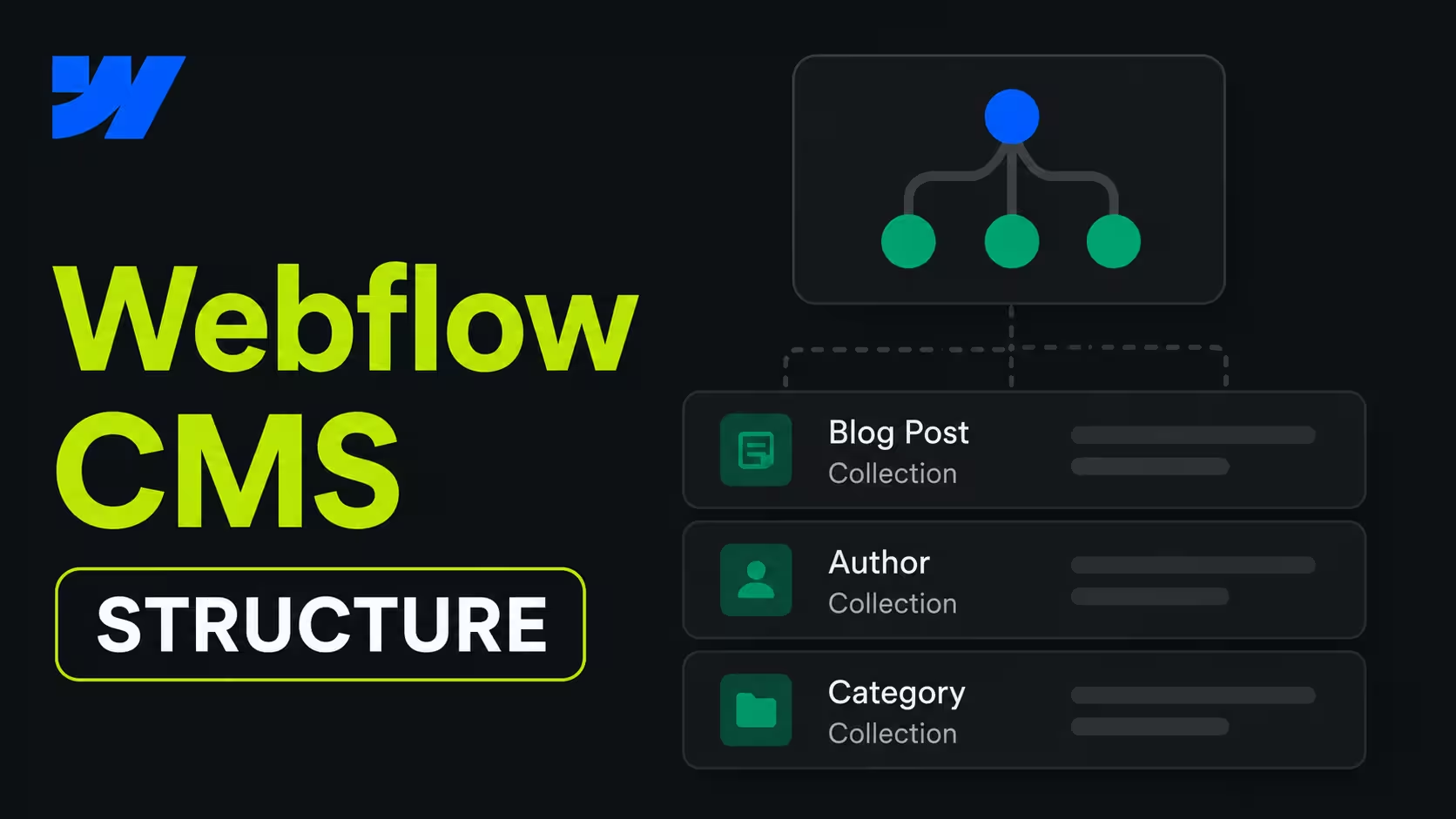
- A Webflow CMS collection designed for account-based landing pages.
- A modular page template with dynamic sections and fallback logic.
- A Clay table with the fields required to populate those sections.
- An automation layer that creates or updates CMS items when new accounts are added.
- Tracking routed into HubSpot or Salesforce so page visits become actionable signals.
The fallback logic matters more than most teams think. Not every account record will have every field populated. A clean system accounts for that from the start, so the page still feels intentional when one data point is missing.
One underrated advantage of the Clay Webflow integration is what happens after launch. With Clay-Webflow automation, you can update all pages simultaneously when offers or messaging changes. Modify the data in Clay once, and every landing page reflects the changes.
A good setup doesn’t feel technical to the buyer. It feels seamless. The outbound email references a specific pain point. The page continues the same thread. The proof points feel relevant. The CTA makes sense. Nothing on the page suggests it was stitched together from a database, even though that’s exactly what happened behind the scenes.
Common Mistakes Teams Make
The most common failure mode is treating the integration like a data plumbing task instead of a conversion architecture task. If the template is weak, automating it only helps you scale a weak page.
Other common mistakes include mapping too many variables, relying on poor-quality enrichment, skipping fallback logic, and sending accounts to personalized pages that still use generic positioning. The integration itself is not the advantage. The advantage is combining structured data, a strong template, and a page strategy built around how B2B buyers actually evaluate.
The Strategic Takeaway
For B2B SaaS teams, the website should not sit apart from outbound. It should complete the motion. The Clay Webflow integration gives marketing teams a practical way to do that by turning account-level data into live landing pages that are easy to operate and quick to update.
A good setup should feel like a natural extension of your outbound motion. The email starts the conversation. The landing page continues it. The CRM captures the signal. The follow-up becomes sharper because the team now knows what the buyer clicked and why. That is the real value of the system: not just personalized pages, but a tighter connection between outbound, website, and pipeline.
FAQs
Keep the CMS simple: one collection for the page type, with fields for the variables Clay will pass in, like company name, industry, headline, proof point, and CTA. The cleaner the structure, the easier it’s to scale and maintain.
A good rule is to build for the page you actually need, not every possible data point Clay can enrich. That keeps the system flexible without making it fragile.
Clay should pass the data that changes the message. Usually that means company name, industry, headcount, persona, use case, and one relevant proof point.
You don’t need every enrichment field. Too much data can make the page feel cluttered, and missing data becomes easier to manage when the inputs stay focused.
Use fallback logic. If Clay misses a field, Webflow should automatically switch to a safe default so the page still looks polished and relevant.
For example, if you don’t have a company-specific case study, you can fall back to an industry example. The page should never break or show awkward placeholder content.
Yes - that’s the whole point of the setup. One strong template can support many variants if the sections are modular and the dynamic fields are mapped properly.
In practice, that means the hero, proof section, and CTA can stay consistent while the headline, copy, and social proof change by account or segment.
Look at both page metrics and pipeline metrics. Page views alone don’t really tell you much - you want to see whether visitors convert and whether those visits lead to meetings or opportunities.
The main things to track are conversion rate, CTA clicks, bounce rate, time on page, and CRM attribution. If those pages turn outbound clicks into meetings more often, the system is working.