
Search is changing faster than most SaaS marketing teams are adapting to it. Google AI Overviews, ChatGPT, Perplexity, Microsoft Copilot, and Claude are now all part of how your buyers research solutions - and the content that gets cited in those answers is not random. It’s structured, specific, and built on platforms that give crawlers something clear to work with.
Webflow is one of those platforms, but only when it’s set up correctly. Most B2B SaaS companies use it for the design and the speed. The ones pulling ahead in organic search are using it as a full SEO system - with CMS architecture built around search intent, structured data that feeds AI engines, and content clusters that build topical authority over time.
Why Webflow Is a Strong SEO Foundation
Webflow’s technical output is genuinely good. Clean semantic HTML, automatic SSL, HTTP/2, a global CDN through Fastly, and no plugin layer dragging down performance. For SaaS teams who have wrestled with WordPress optimization, this alone feels like a relief.
But clean infrastructure is the floor, not the ceiling. What determines whether a Webflow site ranks or goes downhill is everything built on top of it: content architecture, internal linking, structured data, and how well the site maps to what your buyers are actually searching for.
The mistake most SaaS marketing teams make is configuring the basics - meta titles, a sitemap, some alt text - and assuming the rest takes care of itself. It doesn’t.
CMS Architecture Is Your SEO Infrastructure
This is where the biggest SEO decisions happen on a Webflow site, and where most teams underinvest.
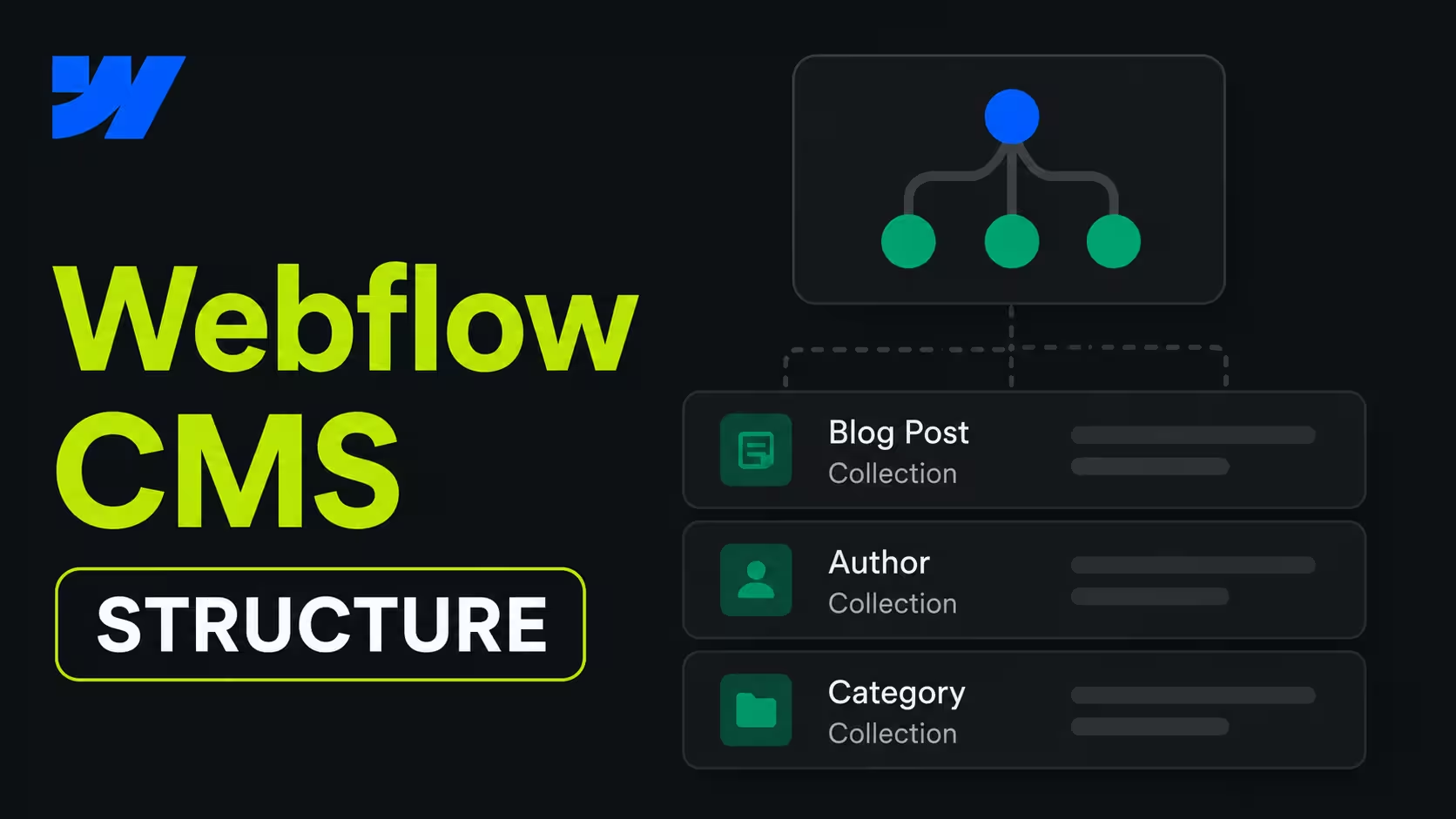
The Webflow CMS is not just a place to store blog posts. Used correctly, it’s a structured system for building content at scale - solution pages, integration pages, comparison content, case studies - all driven by templates that enforce consistent SEO fields across every page.
For a typical B2B SaaS site, that means designing your CMS collections around search intent from day one. A “Comparison” collection targeting “Webflow vs WordPress” and “Webflow vs Framer” queries needs different fields and a different template structure than a “Blog” collection targeting informational content. Mixing them into one collection because it’s faster to set up is a common mistake that creates indexing confusion later.
Every CMS item should have dedicated fields for meta title, meta description, and canonical tag - not left to default. Webflow makes this easy, but only if the architecture was planned for it upfront. Fixing a poorly structured CMS later on is always more expensive than getting it right the first time.
On-Page SEO: What Actually Moves the Needle
Inside Webflow’s Designer and Page Settings, you have direct control over every SEO-critical element without plugins. Meta titles, descriptions, canonical tags, indexing rules, redirects, Open Graph metadata - all super easy to set up.
The things that actually move rankings on a Webflow site:
- Heading structure - one H1 per page, logical H2/H3 hierarchy that reflects the actual topic.
- Internal linking - connecting related pages deliberately, not just through the nav.
- Page speed - Webflow’s defaults are good, but large uncompressed images and heavy custom code can still damage Core Web Vitals.
- Content depth - thin pages that technically target a keyword but don’t answer the question fully do not rank in 2026.
- URL structure - clean, descriptive slugs that match the page’s search intent.
Good design and good SEO are not conflicted on Webflow. Clean typography, proper spacing, and readable layouts reduce bounce rate and increase time on page - signals that matter for rankings.
Structured Data: The Gap Most Webflow Sites Leave Open
This is where B2B SaaS companies specifically need to pay attention - and where most Webflow sites still leave value on the table, not because the platform can’t do it, but because teams don’t go far enough.
Webflow now automatically generates schema markup from visible page content on static pages. That means basic structured data is handled without any custom code - a meaningful improvement that most articles about Webflow SEO haven’t caught up to yet. But automatic generation only covers the baseline. The real advantage comes from what you build on top of it.
For CMS-driven pages like blog posts, solution pages, comparison content, case studies etc. you can inject custom JSON-LD via Webflow’s page settings code embed and bind it dynamically to CMS fields. That means one schema template scales across hundreds of pages automatically, without manual updates every time a new article is published.
The schema types that matter most:
- FAQ schema - maps directly to how AI engines retrieve answers for conversational queries, and is one of the strongest AEO signals you can implement.
- Article schema - signals content type and freshness to crawlers, important for blog and resource content.
- Organization schema - establishes entity authority for your brand across search and AI platforms.
- Author schema - reinforces credibility of thought leadership content and feeds into AI citation logic.
- Product schema - useful for feature pages and pricing pages where you want rich results in traditional search.
In 2026, structured data is not just a rankings tactic. It’s the clearest signal you can send to AI-powered search platforms that your content is a credible, citable source. The companies showing up in Google AI Overviews, Perplexity answers, and Copilot responses are almost always the ones who got this layer right.
Webflow SEO and the AI Search Shift
Half of B2B buyer research now starts in AI tools - Google AI Overviews, ChatGPT, Perplexity, Microsoft Copilot, and Claude. When a VP of Marketing asks “what’s the best CMS for a SaaS marketing site” - they may never actually see a traditional search results page anymore. They get a synthesized answer, and your brand either appears in it or doesn’t.
Generative Engine Optimization (GEO) is the practice of structuring content so AI platforms cite your brand in those answers. For Webflow specifically, it means:
- Writing content that answers discrete questions clearly and completely.
- Using FAQ and Article schema so AI crawlers can extract structured answers.
- Being specific enough that an AI can generate a credible, attributable response.
- Building topical authority through content clusters rather than isolated posts.
The teams that will win AI search visibility in the next 12 months are the ones building this into their content strategy now, not treating it as a future consideration.
Migrations: How to Move to Webflow Without Losing Rankings
Many SaaS companies come to Webflow via a migration from WordPress. The SEO risk is real but entirely manageable if the process is systematic.
The three things that cause ranking drops in migrations are almost always the same: incomplete redirects, missing or mismatched metadata, and structured data that wasn’t transferred. None of these are difficult to get right - they just require precision.
What every clean Webflow migration needs:
- A full redirect map from every old URL to its new Webflow equivalent.
- Metadata - every page title, description, and canonical tag migrated correctly.
- Sitemap resubmission to Google Search Console immediately after going live.
- Crawl comparison before and after to catch anything missed.
Webflow CMS can absorb lots of content via CSV for large volumes, which makes the actual content migration manageable. The risk is never the platform - it’s the execution. A rushed migration with incomplete redirects is how companies drop 40% of their organic traffic overnight.
What Good Webflow SEO Actually Requires
Webflow gives you a strong technical foundation, no doubt about that. What separates sites that rank and compound over time from sites that crash is the layer of decisions made before and during the build - not after.
To bring it together: CMS architecture designed around search intent, structured data that goes beyond the automatic baseline, content clusters that build topical authority, and a clear conversion path on every page that earns organic traffic. These are not one-time tasks. They are the system.
For B2B SaaS teams, the opportunity is significant. Most competitors in your category are still treating their Webflow site as a design project. The ones investing in SEO architecture and AI search visibility now are building a channel that compounds - one that generates pipeline without depending on paid acquisition every quarter.
If you want to audit where your Webflow site stands or you’re planning a build or migration and want to get the architecture right from day one - that’s exactly the kind of work we do at Designbase. Get in touch and we’ll take a look.
FAQs
Programmatic SEO means using Webflow’s CMS to automatically generate large numbers of pages from structured data - think integration pages, location pages, or comparison pages at scale. It makes sense when you have a repeatable content pattern and enough data to populate it meaningfully. Done right, it can generate significant organic traffic with minimal ongoing effort. Done wrong, it produces thin pages that get filtered out of search results entirely.
Webflow has native localization support, which allows you to create language variants with separate URLs, translated metadata, and hreflang tags. For B2B SaaS companies selling into multiple markets, this is worth implementing properly from the start - hreflang errors are a common source of ranking confusion on international sites.
Before publishing, make sure every page has a custom meta title and description, no key pages are set to noindex, your sitemap is enabled and ready for Search Console submission, 301 redirects are in place for any old URLs, and canonical tags are set correctly on pages that share similar content. These are not optional - they are the baseline.
Yes - and it’s one of the stronger arguments for using Webflow in 2026. With native schema generation on static pages, custom JSON-LD for CMS collections, and full control over content structure, Webflow gives you the tools to optimize for AI-generated answers directly. The question is whether your content strategy is built around answering specific questions clearly - the platform supports it, but the writing still has to do the work.
Mostly no, but there are Webflow-specific things worth checking: whether CMS collection pages have unique metadata or are defaulting to template placeholders, whether the finsweet or custom attribute implementations are causing any indexing issues, and whether custom code embeds have introduced any render-blocking scripts. Standard crawl tools like Screaming Frog or Ahrefs work fine on most Webflow sites.