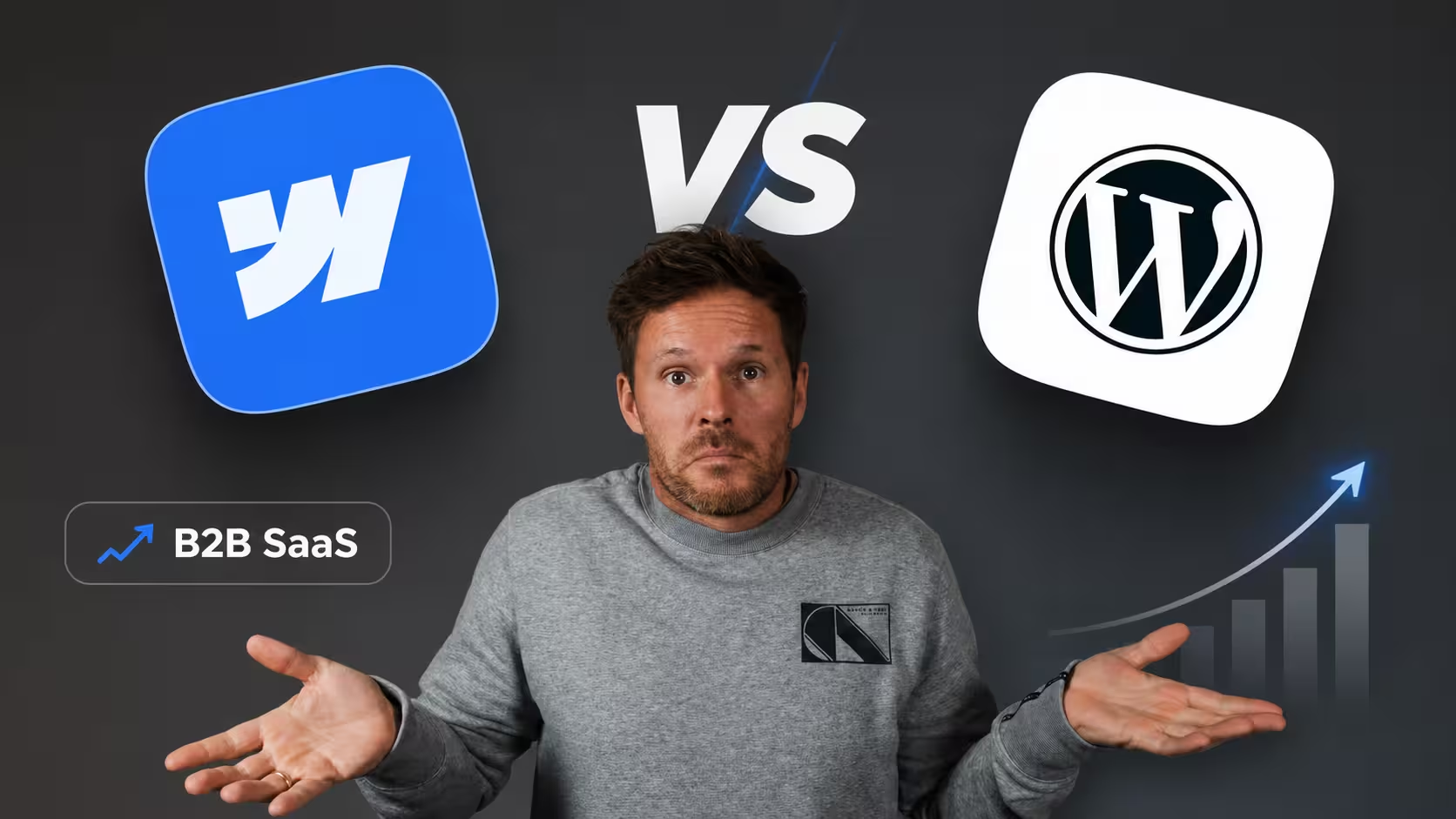
Your website is your most important sales tool. It runs 24/7, it's the first thing potential customers look at, and it either earns their trust or loses it. For B2B SaaS companies, the platform behind that website isn't a technical detail - it shapes how fast your marketing team can move, how well you rank on Google, and how much pipeline you can generate without being blocked by engineering.
Most marketing leaders and founders hit the same wall eventually. Every page update needs a dev ticket. Every campaign needs a new landing page that sits in a backlog for weeks. And when the decision comes to finally switch - whether that's a full website migration or a rebuild from scratch - it keeps getting pushed to next quarter. We compare Webflow and WordPress on the things that actually matter: speed, SEO, integrations, and total cost of ownership.
Why Platform Choice Is a Strategic Decision, Not a Technical One
Most marketing leaders frame this as an IT question. It isn't. Choosing the right website platform is no longer just a debate about ease of use - it's a critical strategic decision that dictates your future technical debt, marketing agility, and security.
B2B buyers don't impulse buy. They research. They compare. They evaluate your content, your case studies, and your product pages. The average B2B buying journey involves seven decision makers and takes months, not minutes.
That buying reality puts pressure on your website to perform - fast load times, sharp messaging, and the ability to iterate quickly. Your platform either supports that or fights against it.
The Core Difference: Managed SaaS vs. Open-Source Infrastructure
WordPress is an open-source platform that relies on a complex ecosystem of plugins, requiring you to constantly manage updates and security patches. In contrast, Webflow is a zero-maintenance SaaS platform that provides enterprise-grade security and clean code natively.
To achieve modern functionality like SEO optimization and caching, you typically have to stack dozens of third-party plugins on a WordPress site. Each one is a potential point of failure - a conflict, a vulnerability, or a performance drag you didn't budget for.
As a SaaS offering, Webflow handles all software updates, hosting, and backups. Self-hosted WordPress requires users to manage those manually, including core, plugin, and theme updates. For a lean marketing team focused on pipeline, that operational overhead is a tax you shouldn't be paying.
Marketing Velocity: Who Gets Out of Your Way?
This is where the decision gets real for scale-up marketing leaders. How fast can you ship?
In Webflow, duplicating a page, modifying the hero, and setting up an A/B test takes around 30 minutes. In WordPress, the same task - creating a child theme, modifying a template, testing across browsers, pushing to staging, approving, and pushing to production - easily takes 4-6 hours, if you have a developer available.
Marketing teams can launch new campaigns and pages in hours rather than weeks, enabling rapid response to market opportunities. When a competitor drops a new pricing page or a category narrative shifts, that speed is a genuine commercial advantage.
WordPress offers more customization but often slows teams down. Even basic changes can require dev support, especially when you're working with custom themes or rigid page templates. That dependency is a bottleneck that compounds across every sprint.
SEO Performance: Built-In vs. Bolted-On
For B2B SaaS, organic search is a primary demand-generation channel. The platform you're on either helps or hinders your ability to compete.
Webflow was built with SEO in mind - customizable metadata, canonical tags, schema, fast loading, clean HTML output, and auto-generated sitemaps. You'll be set up to rank from day one, without relying on five separate plugins to do it.
Custom meta tags, schema markup, 301 redirects, XML sitemaps - everything you need lives in the editor. No plugins required. The clean code website builder generates semantic HTML that search engines parse efficiently.
Built-in lazy-loading defers off-screen images, lowering Largest Contentful Paint (LCP) and Cumulative Layout Shift (CLS) for stronger Core Web Vitals scores - an increasingly important SEO ranking signal. WordPress can match this, but it requires a developer who knows performance optimization inside and out, plus a stack of paid plugins to get there.
Integrations and Martech Compatibility
A Webflow site that doesn't talk to your CRM is just a brochure. The good news: Webflow integrates cleanly with HubSpot, Marketo, Salesforce, and other martech tools that B2B teams live in.
HubSpot integration is available across all plan levels through a native app, enabling form mapping, chatbot deployment, and site-wide tracking.
Salesforce integration is available through Webflow Optimize on Enterprise plans.
Marketo integration requires an Enterprise plan, providing native connectivity for marketing automation workflows.
Zapier integration offers API access across all plan levels for building custom automation workflows between Webflow and hundreds of third-party applications.
The right Webflow integrations transform a beautiful website into a revenue engine that enables businesses to capture leads, qualify prospects, and accelerate sales cycles. That's the standard a B2B SaaS website should be held to - not just looking good, but actively generating pipeline.
Total Cost of Ownership: The Number WordPress Hides
On the surface, WordPress looks cheaper. Open-source, free to download, hosting from a few dollars a month. But that's not the full picture.
Hosting alone runs $10-$500+ monthly depending on traffic and requirements. Premium plugins cost $50-$300 annually each. A quality theme might run $60. Developer time for customization and maintenance adds significantly to the total cost of ownership.
At first glance, Webflow has a monthly hosting fee between $20 and $50 per site. But when you add up the real costs of WordPress, things look very different - total cost of ownership often makes Webflow cheaper over time.
Webflow uses a subscription model with transparent monthly pricing. Plans include hosting, CMS features, SSL, and CDN, so teams don't have to manage infrastructure separately. For a scale-up that's grown past the "figure it out as we go" stage, that predictability matters.
Where WordPress Still Has the Edge
This isn't a one-sided argument. WordPress wins in specific scenarios, and being honest about that makes the decision more useful.
If you're publishing 30+ blog posts per week with multiple authors, WordPress has the edge. WordPress wins for content-heavy publishing. But for typical B2B SaaS needs, Webflow's CMS handles it better.
Webflow offers native localization through Webflow Localize, which handles translated content, hreflang tags, and regional URLs without third-party tools. It works well, but it sits at a higher price point, so for companies managing a large number of languages or regions, it's worth comparing that cost against WordPress with a translation plugin before deciding.
If your use case involves a large editorial team, complex membership functionality, or deep WooCommerce integrations, WordPress is still a legitimate choice. The question is whether those requirements apply to your business - or whether you're holding onto WordPress out of familiarity.
Which Platform Is Right for Your B2B SaaS Website?
Webflow shines for B2B SaaS companies and mid-market organizations that need agility. Marketing teams can test messaging, launch campaigns, and respond to market shifts without dependencies.
More B2B, SaaS, and enterprise brands are switching from WordPress to Webflow to reduce technical debt, improve site speed, and give marketing teams more control. While WordPress still excels in plugin variety and open-source flexibility, Webflow offers cleaner performance, built-in SEO tools, and no maintenance overhead.
If you're a scale-up marketing leader running a lean team, trying to move fast, and tired of raising dev tickets to change a headline - Webflow is the more commercially sensible choice. It's built for the way modern B2B marketing actually works.
That's exactly the context in which Designbase operates. As a Webflow-specialist studio built for scale-up founders and marketing leaders, Designbase builds conversion-focused websites that give marketing teams full editorial control from day one - without the operational drag of a WordPress setup.
The Decision Framework
Use this to cut through the noise:
Choose Webflow if:
- Your marketing team needs to ship pages and campaigns without dev dependency
- Site speed and Core Web Vitals are a priority
- You want predictable, all-in pricing with no maintenance overhead
- You're running a lean tech stack and need clean integrations with HubSpot, Salesforce, or Marketo
Choose WordPress if:
- You're running a high-volume editorial operation with 30+ posts per week and multiple authors
- You need complex multilingual support across multiple regions
- Your product requires deep WooCommerce or LMS functionality with no viable Webflow alternative
The platform debate only matters if it's tied to a clear outcome. For most B2B SaaS companies at scale-up stage, the outcome is the same: more pipeline, faster iteration, and a website that earns its place in your growth stack.
For B2B SaaS companies, Webflow represents more than a website platform - it's a competitive advantage. While competitors struggle with slow development cycles and rigid website limitations, Webflow enables rapid experimentation, sophisticated personalization, and professional execution at the speed of modern marketing.