The basic elements of any Webflow animation are trigger, action, and goal.
Webflow animations add dynamism and interactivity to websites!
- The trigger is the event that kicks off the animation. It can be something simple, like scrolling the page to a specific point or a direct interaction from the user, such as a mouse click.
- The action is the actual effect of the animation. It defines what happens to the target — whether it is a rotation, a lateral movement, an enlargement, a reduction, or a fading.
- The goal can be any design element on the page, be it text blocks, images, or buttons.
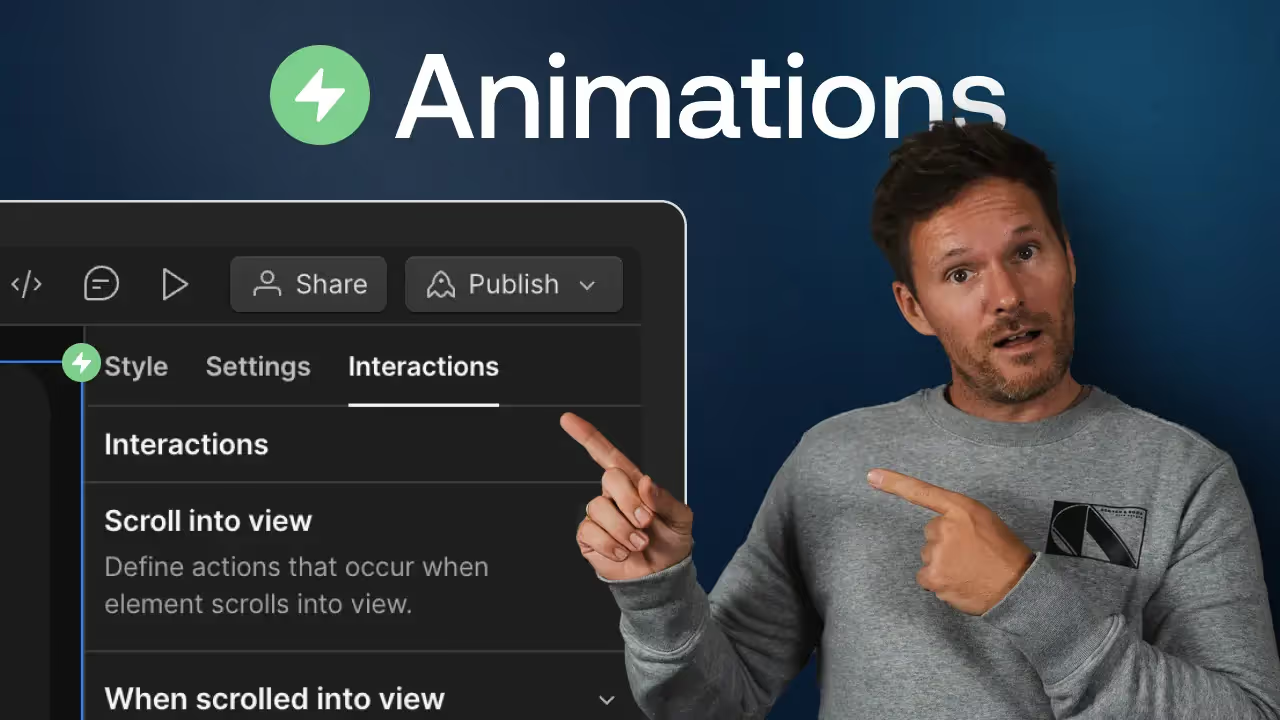
The Interactions Panel is at the heart of the animation!
All animations are designed and implemented here. Show off your creativity and design your site with breathtaking animations! With the Interactions Panel, you can determine the subtleties of your animations yourself and thus achieve unique effects.
- You choose the trigger type and define under which circumstances the animation starts!
- You determine how the elements react to various user actions. Be it by scrolling, clicking, or moving over with the mouse — the possibilities are endless!
The panel is intuitively designed, so you can create complex text animations even without deep programming knowledge.
Create impressive text animations and make full use of your creativity
Text animations are an incredibly powerful tool for highlighting important content and improving user experience on the site.
- Choose a trigger that starts the animation as soon as the text is visible to the user.
- Use actions that smoothly slide your text into the image or blend it in elegantly.