Is Webflow GDPR compliant?
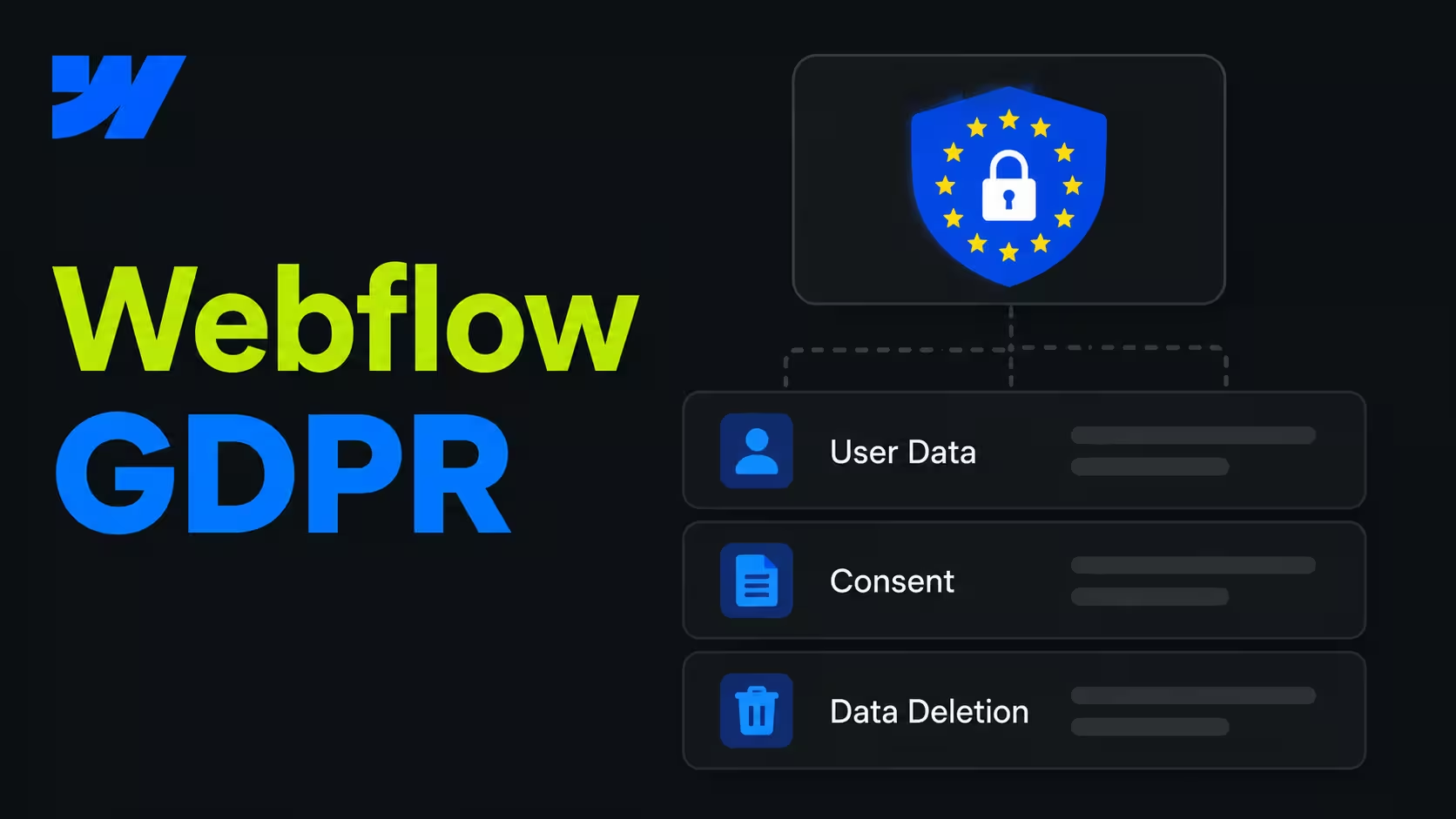
Yes. Webflow provides what you need as the processor. You stay responsible as the controller, for what your site collects and why.
Here is what Webflow covers:
- A data processing agreement. Webflow’s Data Processing Addendum is part of its terms on every plan. You don’t need to request it, and a signed copy is available if your legal team wants one.
- Transfers to the US. Webflow stores data in the United States, on Amazon Web Services. It is certified under the EU-U.S. Data Privacy Framework, and its DPA includes the EU Standard Contractual Clauses as a fallback.
- Security. SOC 2 Type II, encryption in transit and at rest, daily backups and regular penetration tests.
What Webflow doesn’t do: answer data requests from your visitors. If someone asks you to delete their data, your team handles it.
This is not legal advice. Your data protection officer has the final word, but these are the points they will ask about.
What do you need to set up for GDPR on Webflow?
Five areas cover almost every Webflow site. Check them in this order.
Fonts are the one most teams miss. Even Webflow’s own help page warns that its Google Fonts integration sends visitor IP addresses to Google and “may not be GDPR-compliant”. Uploading the same font files takes a few minutes and removes the problem.
Do you need a cookie banner on Webflow?
Yes, as soon as your site uses anything beyond what is strictly needed to run it. That includes Google Analytics, Tag Manager, ad pixels, Webflow Analyze and Webflow Optimize.
Webflow doesn’t ship a finished banner. It offers consent settings for its own tracking and expects you to connect a consent tool, like a Finsweet Consent Pro or Cookiebot, or build your own. Set Webflow’s tracking default to “Don’t track by default”, so nothing runs before a visitor agrees.
The banner is not the hard part. Blocking the scripts behind it is.
My tip: When I check a Webflow site for GDPR, I start with one test. Open the site in a private window, decline the banner and watch the network tab in your browser’s dev tools. Anything that still loads from Google, YouTube or a tracking domain has to be blocked or self-hosted.
Are Webflow forms GDPR compliant?
They can be. Webflow stores every submission in your site settings, on its US servers, so the rules for your forms are the same as for any other data you collect.
Keep forms simple:
- Ask only what you need. A contact form rarely needs a phone number or a company size.
- Say what happens with the data. One line under the form and a link to your privacy policy.
- Get consent where you need it. Form guidance says to ask for consent (for example a reply to a direct request).
- Delete old submissions. Webflow keeps them until you delete them, so set a routine.
If your forms send data to HubSpot or another CRM, that tool needs its own DPA. Our guide to Webflow forms covers the setup.
Can a company that sells GDPR compliance run on Webflow?
Yes, and it is a good test of the platform. If Webflow holds up for a compliance company’s own website, it holds up for a typical B2B site.
From our projects: heyData, a Berlin compliance platform for regulations from GDPR to the EU AI Act, runs its website on Webflow. We rebuilt heydata.eu in 12 weeks: 90+ pages in two languages and 300+ outdated URLs retired with clean redirects. After launch, the average Google position across all keywords moved from 20.7 to 7.8. Read the heyData case.
Where should your team start?
Start with a list of every third-party request your site makes. Most GDPR work on Webflow follows from it.
- File Webflow’s DPA and add Webflow to your record of processing.
- Replace Google Fonts with uploaded font files.
- Set Webflow tracking to “Don't track by default” and connect a consent tool that blocks scripts and embeds.
- Review every form: fields, purpose text, consent and deletion routine.
- Repeat the private-window test after every new script, embed or integration.
Step 5 is the one that slips. A site that passed in January can fail in June because someone added a chat widget. That’s why cookie tool maintenance and third-party request monitoring are part of the Build tier of our Growth Retainer.
FAQs
Yes. Webflow's Data Processing Addendum is part of its terms on every plan, so it applies without a separate request. A signed copy is available if your legal team needs one.
In the United States, on Amazon Web Services. Webflow covers the transfer with the EU-U.S. Data Privacy Framework and the EU Standard Contractual Clauses.
No. Webflow has consent settings for its own tracking, but you need a consent tool or a custom banner that blocks scripts until a visitor agrees.
Yes, if you upload the font files instead of using Webflow’s Google Fonts integration. The integration sends visitor IP addresses to Google.
You do. Webflow doesn’t answer requests from your site visitors, so delete their form submissions in site settings and remove the data from any connected tools.