Your website is your most important sales tool. It runs 24/7, it's the first thing potential customers look at, and it either earns their trust or loses it. For established businesses, the platform behind that website is not just a technical detail. It shapes how easily your marketing team can update content, how much structure your site can support, and how much ongoing work the website creates behind the scenes.
Most marketing leaders and founders hit the same wall eventually. Every page update needs a dev ticket. Every campaign needs a new landing page that sits in a backlog for weeks. And when the decision comes to finally switch - whether that's a full website migration or a rebuild from scratch - it keeps getting pushed to next quarter. We compare Webflow and WordPress on the things that actually matter: speed, SEO, integrations, and total cost of ownership.
Why Platform Choice Is a Strategic Decision, Not a Technical One
Most teams frame this as an IT question. It’s not. Choosing the right website platform is a strategic decision because it affects your technical overhead, your team’s agility, and how much control you keep internally.
Buyers do not make decisions instantly. They compare, research, and evaluate your content, your case studies, your service pages, and your overall brand experience.
That means your website has to do real work. Fast load times, clear messaging, and the ability to update quickly are not optional. Your platform either supports that or gets in the way.
The Core Difference: Managed SaaS vs. Open-Source Infrastructure
WordPress is an open-source platform that relies on a broad ecosystem of plugins and ongoing maintenance. Webflow is a managed SaaS platform that handles hosting, updates, and core infrastructure for you.
To achieve modern functionality like SEO optimization, caching, or advanced forms on WordPress, you often need to stack several third-party plugins. Each one adds another possible point of failure, another update to manage, and another layer of complexity.
Webflow keeps more of that structure built in. That makes it easier for smaller marketing teams to maintain a site without constantly relying on developers for routine work. For businesses that want less maintenance overhead, that difference matters.
Marketing Velocity: Who Gets Out of Your Way?
This is where the decision becomes practical. How fast can you ship?
In Webflow, duplicating a page, adjusting a hero section, or launching a new landing page is usually much faster once the system is in place. In WordPress, the same task can take longer if it requires template edits, theme work, plugin checks, staging, and developer support.
Marketing teams need to launch campaigns quickly and respond to changes in the market without waiting in a queue. When a competitor changes positioning or your own messaging needs to shift, speed is a real advantage.
WordPress offers more customization, but it often slows teams down once the setup becomes more complex. Even basic changes can require outside help, especially when the site depends on custom themes or a fragile plugin stack.
SEO Performance: Built-In vs. Bolted-On
For established businesses, organic search is often a major source of visibility and demand. The platform you choose affects how easy it is to maintain a strong SEO foundation over time.
Webflow was built with SEO in mind: customizable metadata, canonical tags, schema, clean HTML output, fast loading, and auto-generated sitemaps. Those basics are built into the system rather than held together by plugins.
WordPress can absolutely perform well in SEO too, but it usually needs more setup and more upkeep. Metadata, schema, redirects, performance tuning, and technical fixes often depend on the right plugin mix and the right person managing it.
The key difference is not whether both platforms can rank. It is how much effort it takes to keep the SEO foundation strong as the site grows.
Integrations and Workflow Fit
A website that doesn’t connect cleanly to your tools is hard to use in practice. The good news is that both platforms can integrate with common marketing tools, but the experience is not the same.
Webflow works well when the goal is to keep the website lean, structured, and easy for marketing to manage. That makes it especially useful for teams that want forms, tracking, and automations without building a heavily customized stack.
WordPress can also connect to a wide range of tools, but those integrations often come through plugins or custom work. That can be fine for more complex setups, but it usually creates more maintenance over time.
The right setup depends on what the business needs. A more streamlined marketing website often benefits from Webflow’s simpler operating model, while a highly customized environment may still suit WordPress better.
Total Cost of Ownership: The Number WordPress Hides
On the surface, WordPress looks cheaper. Open-source, free to download, hosting from a few dollars a month. But that's not the full picture.
Hosting alone runs $10-$500+ monthly depending on traffic and requirements. Premium plugins cost $50-$300 annually each. A quality theme might run $60. Developer time for customization and maintenance adds significantly to the total cost of ownership.
At first glance, Webflow has a monthly hosting fee between $20 and $50 per site. But when you add up the real costs of WordPress, things look very different - total cost of ownership often makes Webflow cheaper over time.
Webflow uses a subscription model with transparent monthly pricing. Plans include hosting, CMS features, SSL, and CDN, so teams don't have to manage infrastructure separately. For a business that has moved past the “figure it out as we go” stage, that predictability matters.
Where WordPress Still Has the Edge
This isn't a one-sided argument. WordPress wins in specific scenarios, and being honest about that makes the decision more useful.
If you're publishing 30+ blog posts per week with multiple authors, WordPress has the edge. WordPress wins for content-heavy publishing. But for typical marketing needs, Webflow's CMS handles it better.
Webflow also offers native localization through Webflow Localize, which handles translated content, hreflang tags, and regional URLs without third-party tools. It works well, but it sits at a higher price point, so for companies managing a large number of languages or regions, it's worth comparing that cost against WordPress with a translation plugin before deciding.
If your use case involves a large editorial team, complex membership functionality, or deep WooCommerce integrations, WordPress is still a legitimate choice. The question is whether those requirements apply to your business - or whether you're holding onto WordPress out of familiarity.
Which Platform Is Right for You?
Webflow is usually the stronger choice for established businesses that want a website their marketing team can actually manage without constant technical support. It works especially well when design consistency, content structure, and long-term maintainability matter.
WordPress is usually the stronger choice for businesses that need maximum flexibility and are comfortable with a more technical setup. It remains a good fit for teams that already have the resources to manage that complexity well.
For most established businesses, the platform debate comes down to this: do you want more control with less friction, or maximum flexibility with more maintenance?
The Decision Framework
Use this to cut through the noise:
Choose Webflow if:
- Your marketing team needs to update the site without dev dependency
- Design consistency and brand presentation matter
- You want predictable infrastructure with less maintenance overhead
- You prefer a cleaner system that is easier to own internally
Choose WordPress if:
- You need deep customization or very specialized functionality
- You have a more technical team or strong developer support
- You are running a large editorial operation with complex publishing needs
- You are comfortable managing plugins, updates, and maintenance
The platform debate only matters if it's tied to a clear outcome. For most established businesses, the outcome is the same: a website that is easier to manage, easier to keep current, and less likely to become a burden over time.
FAQs
For most established businesses, Webflow is better in 2026 if the priority is easier management, cleaner design control, and less maintenance overhead. WordPress is better if you need deeper customization and are comfortable with a more technical environment.
WordPress is often described as free, but hosting, plugins, themes, and ongoing maintenance create real cost. Webflow usually has a higher upfront build cost, but the total cost of ownership is often easier to predict.
Webflow operates on transparent subscription pricing. It includes hosting, CMS, SSL, and CDN. There are no plugin bills, no hosting invoices, and no developer hours burned on platform maintenance.
When you factor in total cost of ownership over 12 to 24 months, the honest comparison is higher upfront cost with Webflow vs. lower upfront cost but persistent ongoing overhead with WordPress.
Not in any meaningful way for a marketing website, but Webflow is a closed platform while WordPress is open-source and self-hosted. The practical trade-off is more about maintenance and long-term management than raw access to text and images.
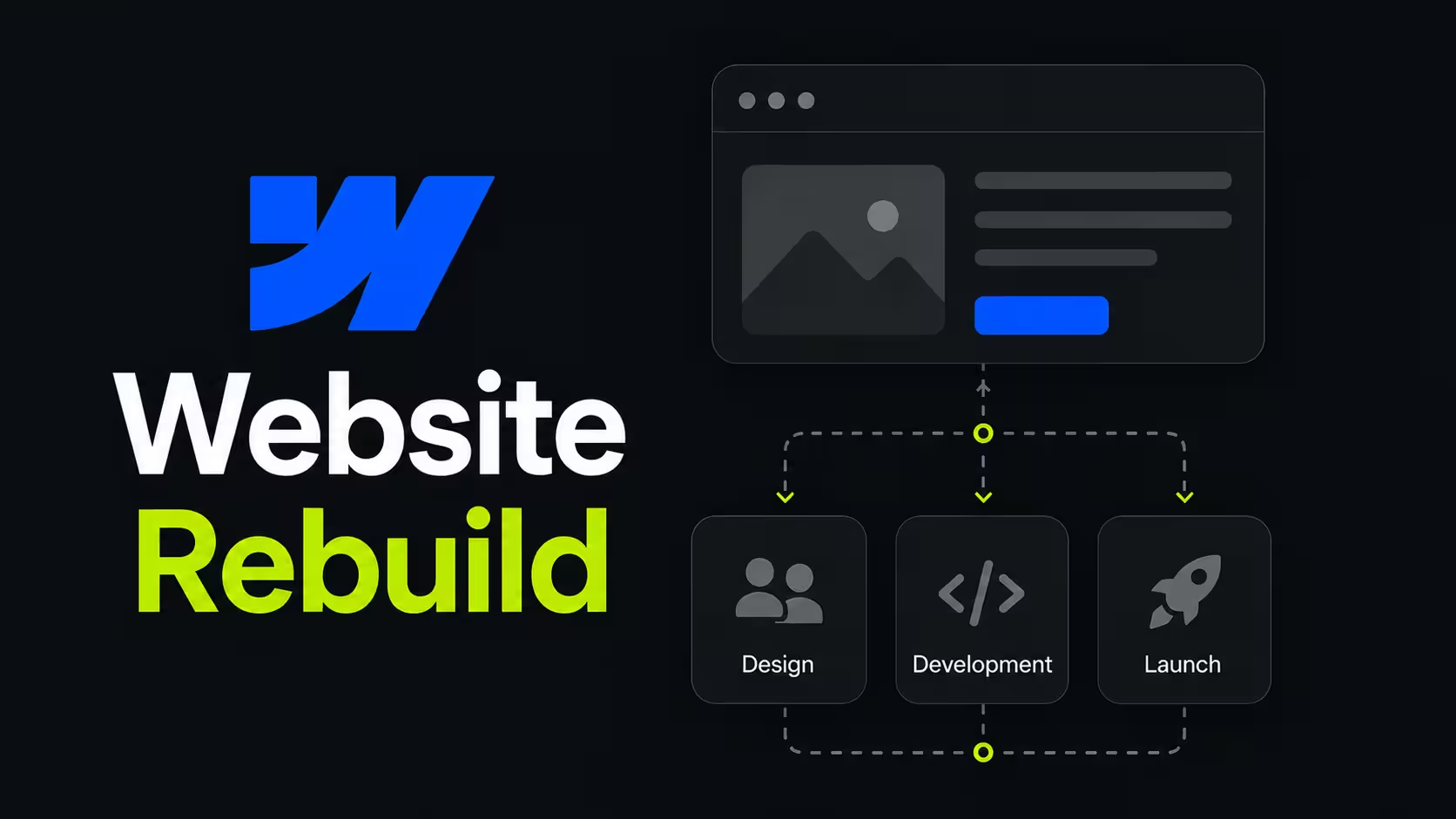
Migration timelines vary based on site complexity, content volume, and the degree of custom functionality built into the WordPress environment. For a typical established site with 20 to 80 pages, a blog, and standard conversion infrastructure - expect something like this:
- Discovery and audit: 1 to 2 weeks (content inventory, redirect mapping, SEO baseline)
- Design and build in Webflow: 4 to 8 weeks (depending on design scope and template complexity)
- Content migration and QA: 1 to 2 weeks
- SEO validation and launch: 1 week (301 redirects, crawl validation, Core Web Vitals check)
Total: 7-13 weeks, but it really depends case by case so it’s safer to book a call and discuss this with us directly.
Usually not for day-to-day marketing work. Webflow is designed so that non-technical teams can update pages, publish content, and manage routine changes without needing dev support for every task.