What does a website maintenance package include?
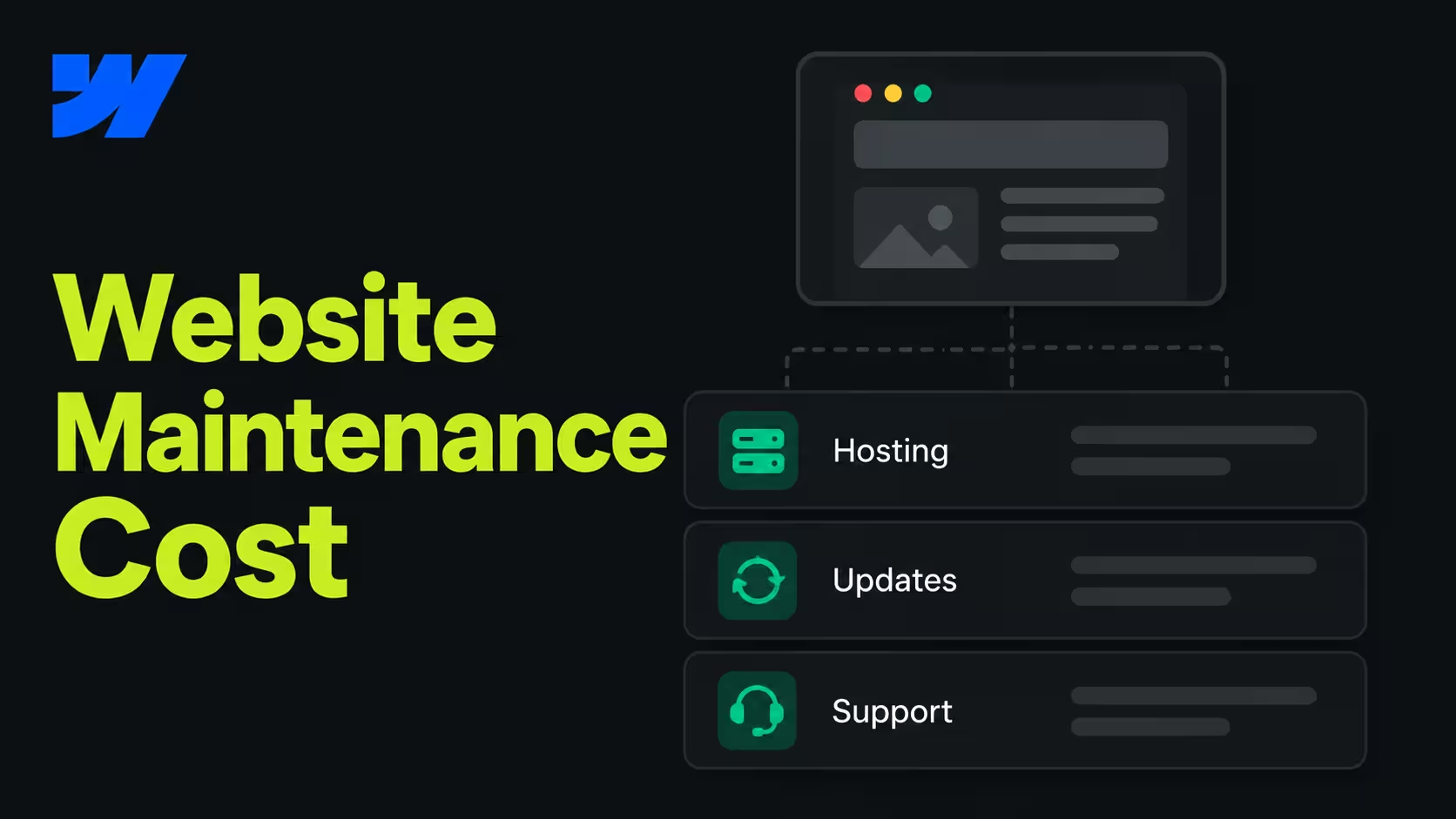
It covers everything that keeps a live site working and safe. A complete package has six parts:
- Updates. CMS, theme and plugin updates on self-hosted sites. On managed platforms, this part is mostly done for you.
- Security and backups. Monitoring, fixes and restore points before every larger change. Our guide to Webflow backups shows what a good routine looks like.
- Uptime and speed. Watching load times and Core Web Vitals, and fixing what slows the site down.
- Legal and privacy. Keeping the consent tool current and checking which third-party scripts the site loads.
- Small fixes and changes. Broken links, layout bugs, new content blocks, text and image updates.
- Reporting. A short monthly note on what was done and what needs attention.
If a package leaves out the legal part, ask why. A new chat widget or tracking script can break your consent setup without anyone noticing.
What does website maintenance cost?
It depends on how much work is included, not on the number of checks. Most packages fall into one of four levels.
The first two levels are priced by hours. The last two are priced as a team. For reference, our Growth Retainer starts at €2,500 a month for Build (ongoing development), €6,000 for Attract (adds SEO) and €9,000 for Convert (adds testing and conversion work). There is a three-month minimum, then you can cancel monthly, and annual billing is 20% cheaper.
Why does maintenance cost more on some platforms?
Because some platforms make your team responsible for the server and the plugins. On a self-hosted WordPress site, every month brings core, theme and plugin updates, and each one can break something.
On Webflow, hosting, security patches and updates are part of the platform. There are no plugins to update. That doesn’t make maintenance free, but it moves the budget from keeping the site alive to improving it. We compare both platforms in detail in Webflow vs WordPress.
What still needs care on any platform: content, structure, speed, consent and the scripts your team adds over time.
What should a website maintenance contract include?
Five points:
- Response time. How fast urgent fixes happen. With us, quick fixes are done within 24 hours.
- Scope. What is included each month, and what costs extra.
- Ownership. Every account, domain and login in your company’s name, not the agency’s.
- Notice period. How long you are tied in, and how you leave.
- Reporting. What you get to see each month.
Ownership is the one teams regret most when it is missing. At Designbase, every site lives in the client’s own Webflow account, so a client can leave at any time and keep everything.
Our tip: Before you sign, ask the provider to show you a monthly report from an existing client, with names removed. If they can’t show what changed last month, the plan usually waits for your tickets instead of looking after your site.
Do you need maintenance or ongoing development?
If your site changes less than once a month, maintenance is enough. If marketing launches pages, campaigns or new content every month, you need development time, not just upkeep.
The difference is the question you ask each month. Maintenance asks “is the site still working?” Development asks “what should the site do next?” We go deeper into that choice in Webflow maintenance vs growth retainer.
From our projects: Weflow has worked with us for more than four years, from a UI redesign to an AirOps integration and regional pricing logic. Instaffo stayed for four years as well, with two full relaunches and 120+ landing pages migrated into Webflow. What both needed was a team that keeps building, not only upkeep. See the Weflow and Instaffo cases.
How do you choose the right maintenance package?
Start from how often your site needs to change, then match the package to it.
- Rarely: buy upkeep with a small hour budget.
- Every month: buy development time with maintenance included.
- The site should bring in leads: add SEO and conversion work.
One more check: if every month’s budget goes into fixing the same problems, a better maintenance plan won’t help. The structure underneath is the problem. Our guide on when a Webflow site needs a technical rebuild shows how to tell.
FAQs
It depends on scope. Upkeep-only plans cost the least, while plans with monthly development, SEO or conversion work are priced as a team. Our Growth Retainer starts at €2,500 a month.
Yes, for any site you rely on for leads. Without it, security gaps, broken forms, slow pages and outdated consent settings build up until something fails.
Monitor it continuously and review it at least once a month. Self-hosted sites also need updates as soon as security patches come out.
Less than a self-hosted site, because Webflow handles hosting, security and updates. Content, speed, the consent tool and third-party scripts still need someone who owns them.
Maintenance keeps the site working. A retainer adds a team that builds new pages, features and improvements every month.