- No CMS ranks a website on its own. The platform sets the technical limits, while content, links and ongoing SEO work decide the rankings.
- WordPress runs 39.5% of all websites, but only 20% of the domains that rank for high-value commercial keywords, according to an October 2026 study of 524 top-ranking domains.
- In June 2026 field data, 54.4% of Webflow sites and 54.9% of Drupal sites passed Core Web Vitals on mobile, against 38.4% of WordPress sites.
- Webflow, HubSpot and Wix include meta tags, redirects and sitemaps out of the box. WordPress and Drupal add them with plugins or modules, which gives more flexibility and more upkeep.
- Maintenance is an SEO factor. 11,334 new vulnerabilities were found in the WordPress ecosystem in 2025, 91% of them in plugins, and a hacked site can lose its rankings.
- The right CMS for a B2B website depends on who edits it, who maintains it and how complex the content is, not on which platform claims to be best for SEO.
Key takeaways
Which CMS is best for SEO?
None of them wins on its own. Every common CMS can rank, and every one can be set up badly. The differences are in how much SEO control your team gets without a developer, how fast the pages load, how much maintenance the system needs and what it costs.
The most popular CMS by far is WordPress, used by 58.2% of all websites with a known CMS. Popularity says little about SEO, though, as the ranking data below shows.
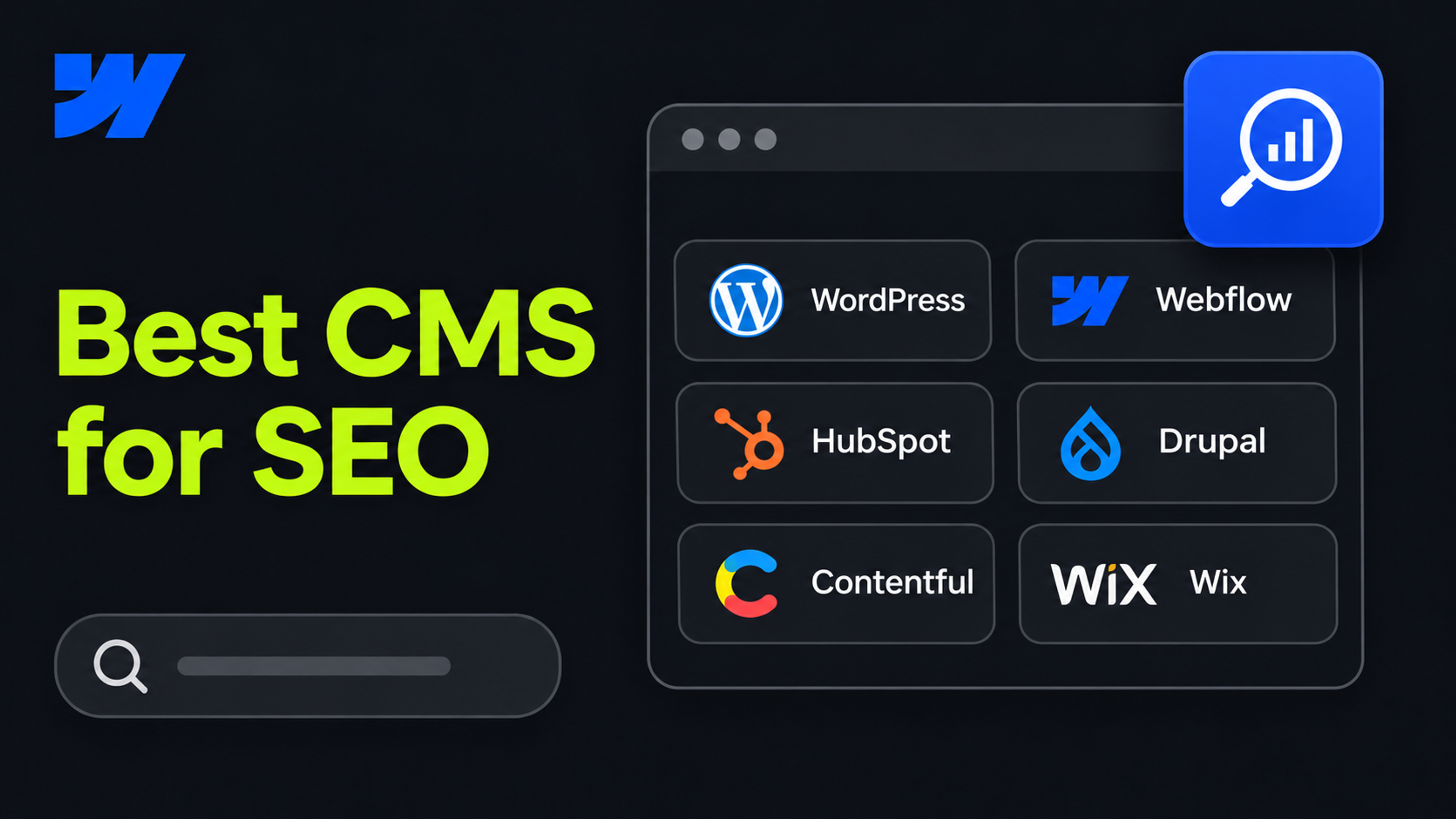
| Platform | Mobile CWV pass rate | SEO basics | Maintenance | Price from |
|---|---|---|---|---|
| WordPress | 38.4% | Plugins | You or your agency | Free software, plus hosting and plugins |
| Webflow | 54.4% | Built in | Webflow | $25 a month (Premium site plan) |
| HubSpot | No data | Built in | HubSpot | $450 a month (Professional) |
| Drupal | 54.9% | Modules | You or your agency | Free software, plus hosting and development |
| Contentful | Depends on the front end | Developers | Contentful and your developers | Free tier, Lite at $300 a month |
| Wix | 53.0% | Built in | Wix | $17 a month (Light plan) |
Sources: website share from W3Techs, November 2026. Core Web Vitals pass rates from HTTP Archive and Chrome UX Report data, June 2026, as analyzed by PageSpeed Matters. Prices billed yearly, from each vendor’s pricing as of autumn 2026.
What does a CMS need to handle for SEO?
A short list of technical basics. If your CMS covers them and your team can use them without a developer, the platform isn’t what holds your rankings back.
- Clean, crawlable HTML. Content should be in the page when it loads, not added later by scripts.
- Control over URLs. Readable slugs you can set per page and per CMS item.
- Meta titles and descriptions per page, including templates for CMS pages.
- Canonical tags to point search engines to the main version of a page.
- 301 redirects you can add yourself when a URL changes.
- XML sitemap and robots.txt that update automatically.
- Structured data for articles, FAQs, products or your organization.
- Speed. Fast hosting, image compression and a CDN.
- A content model that keeps internal links, categories and related content consistent as the site grows. The same model is what programmatic SEO builds on.
All six platforms in the table can cover this list. What changes is how: built in, through plugins, or built by developers.
Which CMS do top ranking websites use?
Mostly custom setups and WordPress, but no single platform dominates. Rankability’s October 2026 study checked 524 domains that rank for 102 high-value commercial keywords:
- No detectable CMS (custom, headless or static sites): 28.4%
- WordPress: 20.0%
- Next.js: 13.7%
- Adobe Experience Manager: 10.3%
- Shopify: 6.7%
- Drupal: 5.7%
- HubSpot CMS: 2.7%
- Contentful: 2.1%
- Webflow: 1.7%
- Wix: 0.4%
These shares mostly mirror who competes for expensive keywords: large companies with development teams and enterprise systems. The study’s own conclusion is that the data doesn’t show any platform improving rankings by itself.
Which CMS is fastest?
On average, hosted platforms pass Core Web Vitals more often than self-hosted WordPress. In June 2026 field data from real Chrome users, these shares of sites passed all three metrics on mobile:
- Duda: 60.7%
- Drupal: 54.9%
- Webflow: 54.4%
- Wix: 53.0%
- Squarespace: 52.6%
- Joomla: 42.1%
- WordPress: 38.4%
The WordPress figure covers almost 3 million sites, many on cheap hosting with heavy themes. A well-built WordPress site on good hosting can pass easily. The difference is that hosted platforms handle hosting, caching and the CDN for you, while on WordPress the result depends on how the site was set up.
Core Web Vitals are a confirmed but small ranking signal. They matter most when your content is as good as the competition’s.
How do the main CMS platforms compare for SEO?
Each fits a different kind of team. One short look at each, with a link to our detailed comparison where we have one.
WordPress gives you the most flexibility and the largest plugin ecosystem. Yoast or Rank Math cover the SEO basics, and almost any feature exists as a plugin. The cost is upkeep: core, theme, plugin and PHP updates that someone has to test. More in Webflow vs WordPress.
Webflow includes meta settings, redirects, sitemaps, canonicals and hosting on a global CDN, with no plugins to maintain. Marketing teams edit pages visually. Limits are the CMS item cap (20,000 items on the Premium plan) and weaker ecommerce. More in our Webflow SEO guide and Webflow pros and cons.
HubSpot Content Hub connects the website to the HubSpot CRM, which helps with personalization and reporting. SEO basics are built in. It costs the most of the hosted options once you need Professional features.
Drupal is strong for large, complex sites with many content types, roles and languages. It needs developers for setup and updates.
Contentful and other headless systems like Storyblok, Sanity and Strapi store content and deliver it to a front end your developers build, often in Next.js. SEO quality depends entirely on that front end.
Wix and Squarespace are fast to start and include the SEO basics, but offer less control over structure and code as a B2B site grows. More in Webflow vs Wix and Squarespace vs Webflow.
In German-speaking markets, many company sites still run on TYPO3 or Joomla. Our guides on TYPO3 to Webflow migration and legacy CMS vs Webflow cover when moving makes sense.
My view: I built websites on WordPress for around 15 years before moving most of our business website work to Webflow in 2019. WordPress didn’t become a bad platform. For marketing websites, the time went into updates, plugin conflicts and developer tickets instead of content. For complex publishing, memberships or large shops, I would still look at WordPress first.
Why does maintenance matter for SEO?
Because a slow, broken or hacked site loses rankings, whatever the CMS promises. On self-hosted systems, keeping the site safe is your team’s job.
Patchstack’s 2026 security report counted 11,334 new vulnerabilities in the WordPress ecosystem in 2025, 42% more than in 2024. 91% were in plugins, and only 6 were in WordPress core. 46% had no fix available when they were made public, and the most targeted flaws were attacked within a median of 5 hours.
For SEO, a hacked site means spam pages, redirects to other domains and warnings in Google. Cleaning that up takes weeks, and rankings can take longer to return. Hosted platforms like Webflow, HubSpot and Wix handle updates and security for you. Self-hosted systems need a maintenance plan. The October 2026 PHP2Shell flaw showed what happens when nobody owns it.
Which CMS works best for AI search?
Any CMS that delivers clean HTML that crawlers can read. Google states there are no additional requirements to appear in AI Overviews, so the SEO basics above still apply.
Rankability also tracked which sites get cited in AI answers. WordPress powered 24.4% of cited sites, Next.js 15.8% and Webflow 3.3%, while 44% ran no detectable CMS. The pattern matches Google rankings: the platform matters less than whether the content answers the question.
FAQ sections still help, because they answer real questions in a format AI tools can quote. Google has shown FAQ rich results only for well-known government and health sites since 2023, so the gain is in the content, not in the search snippet.
The risk is in setups that load content with JavaScript after the page opens. Some AI crawlers don’t run JavaScript and see an empty page. Our checklist on why ChatGPT can’t see your website shows how to test this.
How should a B2B team choose a CMS?
Start with your team, not the feature list. Answer these questions before you compare platforms:
- Who edits the site every week? If marketing should publish without developers, prefer a system with visual editing and built-in SEO settings.
- Who handles updates and security? If there’s no developer or agency on retainer, a hosted platform removes that job.
- How complex is your content? Thousands of items, many languages, member areas or a shop point toward WordPress, Drupal or a headless setup.
- What does your IT department need? In Germany, IT often asks about hosting location, support contracts and licence terms. Check these early.
- What will the move cost in SEO? Every migration needs redirects and a page-by-page plan. Our CMS migration guide covers the steps.
From our projects: On the heyData relaunch, we moved 90+ pages in two languages to Webflow and retired 300+ outdated URLs with redirects. After launch, daily impressions grew from 8,340 to 35,130, and the average Google position moved from 20.7 to 7.8. Read the heyData case.
If you’re planning to move your site to Webflow, our Webflow Rebuild team handles the migration with your rankings in mind.
Share this article
FAQs
Does the CMS affect Google rankings?
Indirectly. Google doesn’t rank a site higher for using a specific CMS, but the platform affects speed, crawlability and how easily your team can fix SEO issues.
Is WordPress better for SEO than Webflow?
Neither is better by default. WordPress offers more flexibility through plugins, while Webflow includes the SEO basics and hosting without plugins to maintain.
Is a headless CMS good for SEO?
It can be, if developers build a front end that delivers server-rendered HTML, metadata and structured data. The SEO quality depends on that front end, not the CMS.
Do you need an SEO plugin?
On WordPress, yes, usually Yoast or Rank Math. Webflow, HubSpot and Wix include meta tags, redirects and sitemaps without a plugin.
What is the best CMS for a B2B website?
The one your marketing team can update without developers and that someone reliably maintains. For most B2B sites, that matters more than any single SEO feature.